Linux Administration Course in Chennai

Master Red Hat Enterprise Linux 10 and Prepare for RHCSA (EX200) in 8 Weeks.

An 8-week, practical RHCSA-focused course on Red Hat Enterprise Linux 10. Learn to manage files, users and permissions, secure systems with SELinux and firewalld, administer storage with LVM, control services and the boot process, analyse logs and configure networking, then extend your skills with optional Docker and Ansible modules.

  • 500+ Hiring Partners
  • Lifetime Placement Support
  • Bilingual Training in Tamil & English
  • Global Certification Preparation
Linux terminal on a laptop

Build Your Future in Linux Administration

Speak with our training team to explore the skills, certifications and support you need to get started.

  • Hands-On Labs on RHEL 10
  • RHCSA (EX200) Exam Preparation
₹70+ LPA
Highest Salary Potential
100%*
Placement Support
1,00,000+
Careers Launched
4
Flexible Training Modes

Why Choose Greens Technologies for Linux Administration Training in Chennai?

Greens Technologies provides IT training for students and working professionals seeking to develop practical, job-relevant technical skills.

Practical Learning

Industry-Relevant Curriculum

Experienced IT Trainers

Flexible Training Modes

Personalized Learning Support

Real-World Project Exposure

Placement Support

Flexible Batch Options

Meet Our Founder

A message from the leadership behind Greens Technologies.

Founder & Managing Director

Greens Technologies Leadership

Building Chennai's leading software training & placement institute

"Our mission is simple: make quality software education accessible, practical and 100% job-oriented."

What began as a single training center in Adyar has grown to 25 branches across Chennai, Trichy and Salem, offering training, consultancy and development services, with 1,00,000+ students placed through 500+ hiring partners.

15+ YearsIn IT Industry
1,00,000+Students Placed
25Branches

Meet Our Certified Senior Instructors

Learn under the direct mentorship of Greens Technologies leadership and industry practitioners, with 1-on-1 practical lab guidance.

Want to talk directly to our Trainer before enrolling?

Schedule a 15-minute 1-on-1 technical counselling session to discuss your background, syllabus questions, and custom career transition roadmap.

Placement Success Stories

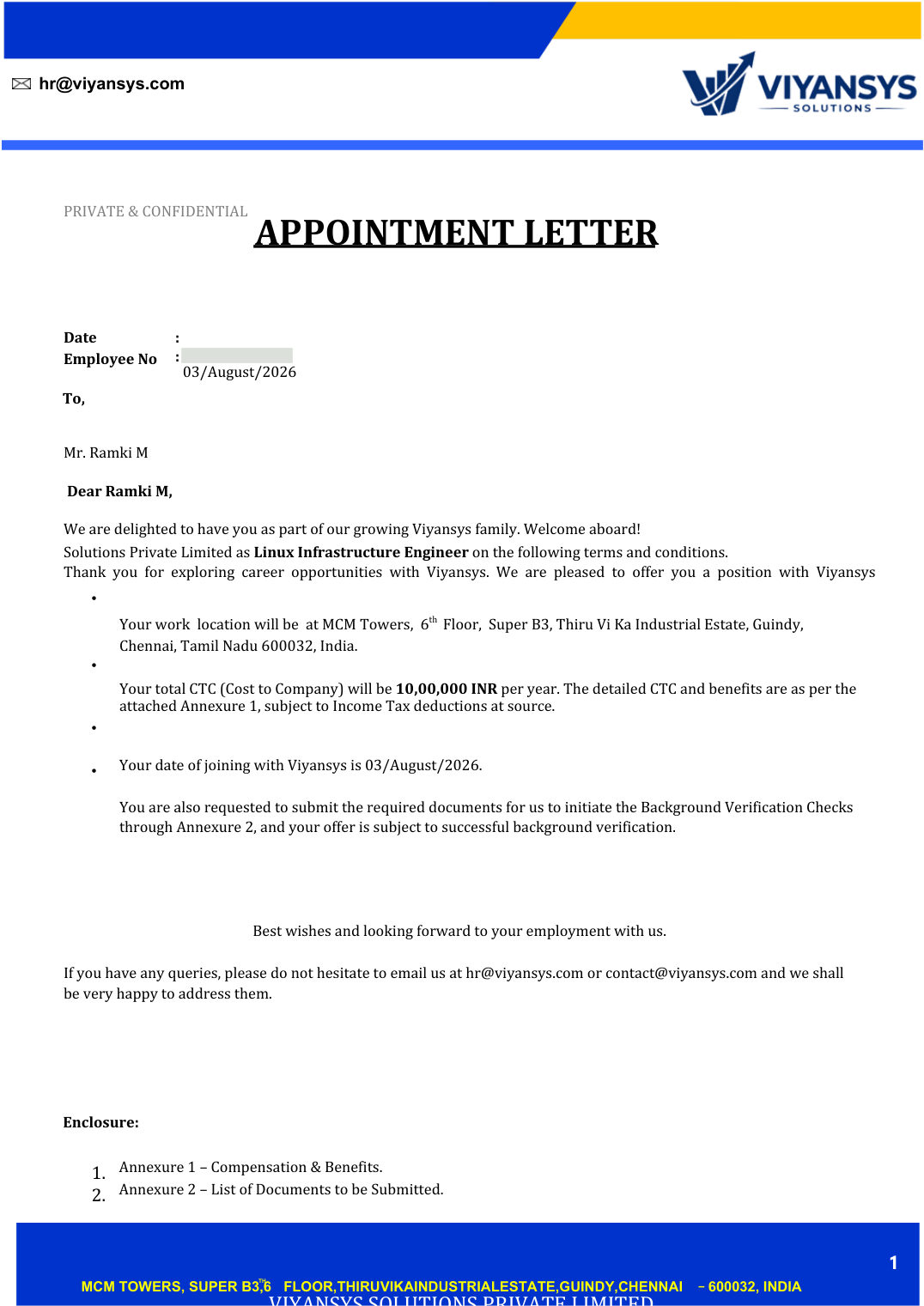
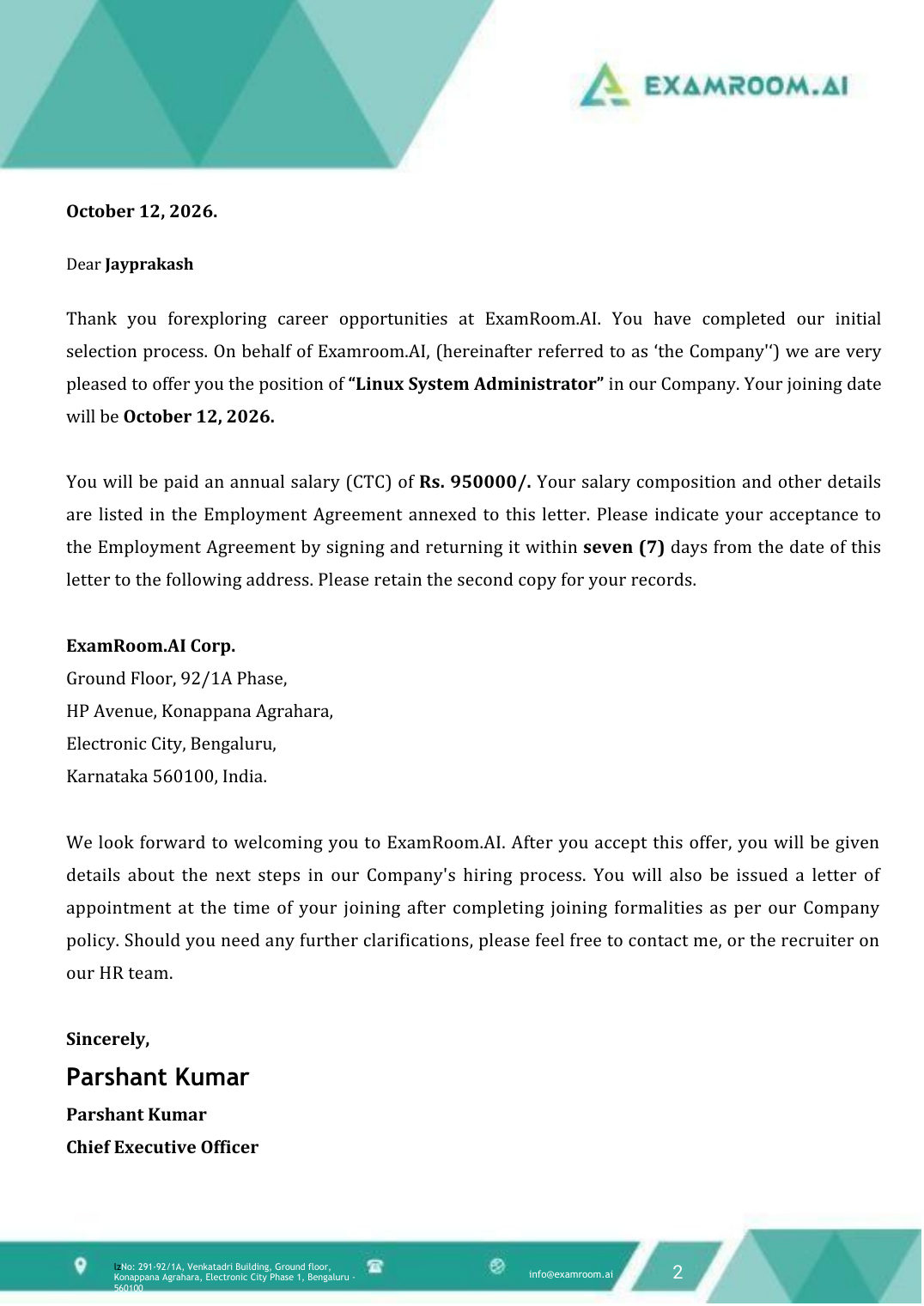
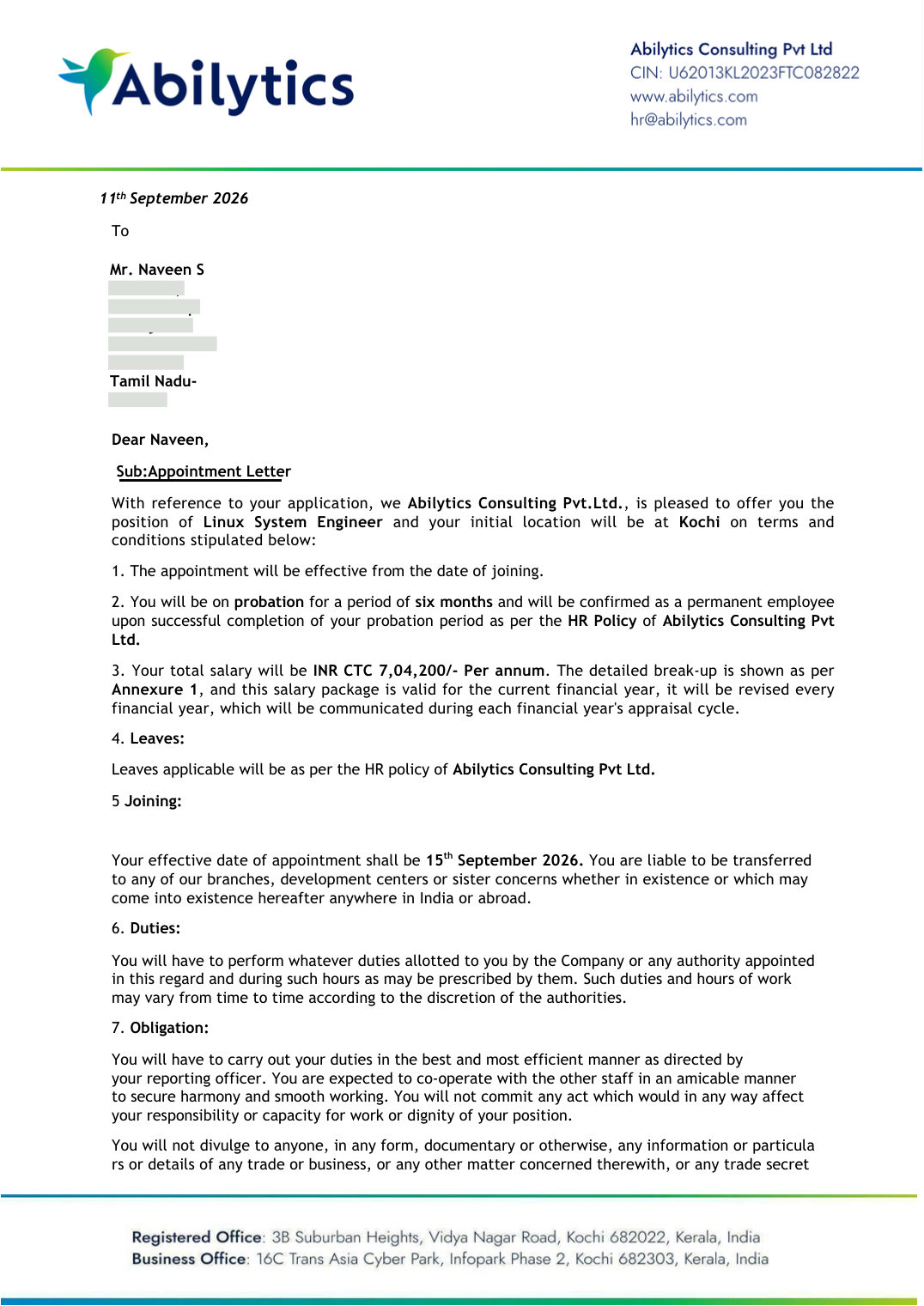
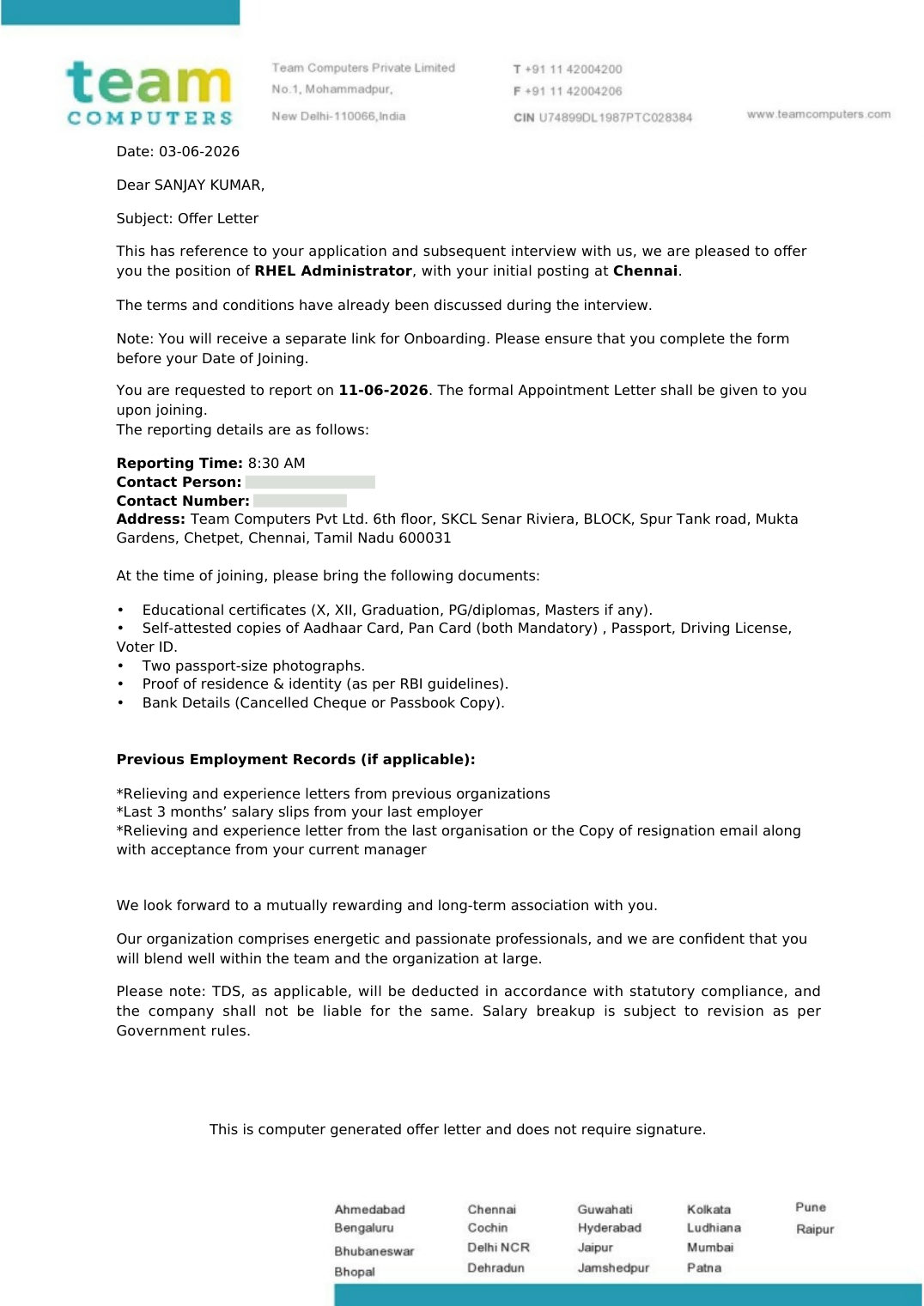
Verified offer letters from Greens Technologies Linux Administration students, showing the role and company each student moved into.

01 / 04
Select a Student Story

Get Industry Recognized Certification

Talk to our counsellor about the course completion certificate available for the Linux Administration course, and how it can showcase your hands-on RHEL 10 administration skills alongside your RHCSA (EX200) preparation.

Benefits of Linux Administration Certification

  • To demonstrate hands-on Red Hat Enterprise Linux administration skills,
  • To add weightage to your professional resume & LinkedIn profile,
  • To prepare for the Red Hat RHCSA (EX200) exam,
  • To stand out in Linux and cloud interviews with practical lab experience.
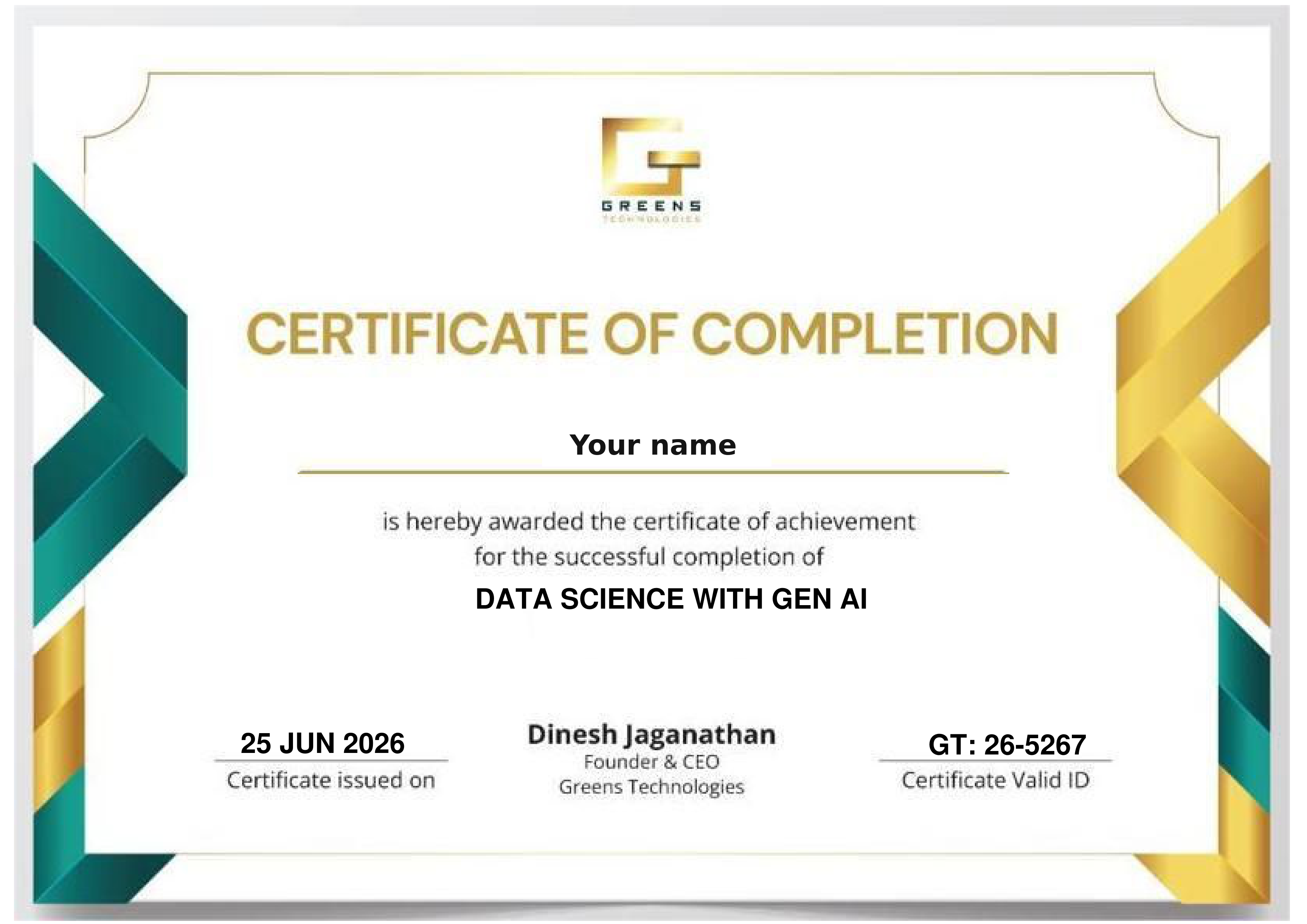
Sample Greens Technologies certificate of completion

Optional Certification & Learning Pathways

Optional external learning and exam options students can pursue alongside the course. External providers set their own requirements and fees.

Ask our counsellor about the course completion certificate available for this course, covering all 17 Linux chapters and the optional Docker and Ansible modules.

The course follows the RHCSA objectives on RHEL 10 and ends with a comprehensive RHCSA review. Red Hat sets the exam requirements and fees.

An optional next step after RHCSA, focused on automating Linux administration with Ansible, building on the Ansible add-on module.

An optional path into container orchestration after the Docker add-on module.

Course Curriculum 2026 - RHCSA on RHEL 10, Week by Week.

Taken from the Greens Technologies RHCSA RHEL 10 training syllabus: 8 weeks, 17 Linux chapters plus 2 optional add-on modules (Docker and Ansible), with hands-on demonstrations, guided exercises and practice labs.

Linux foundations, access control and performance.

  • Edit text files
  • Configure SSH keys
  • Access documentation and support
  • System diagnostics and Insights
  • Linux filesystem hierarchy
  • Hard and symbolic links
  • Globbing and shell expansion
  • File management
  • Users and groups
  • Sudo and superuser access
  • Account and password administration
  • Ownership and permissions
  • Umask and default permissions
  • File access control lists (ACLs)
  • SELinux modes
  • File contexts
  • Booleans
  • Troubleshoot access denials
  • Processes and signals
  • Monitoring
  • Tuning profiles
  • Nice and renice

Scheduling, software packages and storage administration.

  • Cron jobs
  • Recurring system tasks
  • Systemd timers
  • Temporary file management
  • Red Hat registration
  • DNF and RPM
  • Repositories
  • Software updates
  • Mounting
  • Partitions and filesystems
  • Persistent fstab mounts
  • Swap
  • LVM physical volumes, volume groups and logical volumes
  • Extend storage
  • Layered storage

Services, boot and logging, networking and security, then a full RHCSA review.

  • Systemd units and targets
  • Manage services
  • Root password recovery
  • Boot repair
  • System logging
  • Rsyslog and journalctl
  • Persistent journal
  • Time synchronization
  • Validate networking
  • Configure IP with nmcli
  • Hostnames and DNS
  • Troubleshoot connectivity
  • NFS mounts
  • Persistent network storage
  • Autofs automount
  • Firewalld zones, services and ports
  • Test firewall rules
  • Linux boot sequence
  • GRUB2 bootloader
  • Systemd targets
  • Boot troubleshooting and recovery
  • Integrated labs: boot, storage, SELinux, users, networking and services

Optional modules included in the Linux + Docker + Ansible package.

  • Docker images, containers and commands
  • Dockerfiles
  • Volumes, networking and Compose basics
  • Inventory and SSH
  • Ad-hoc commands
  • YAML playbooks
  • Variables, handlers, roles and administration automation

Build Real Linux Administration Skills

Hands-on labs taken from the syllabus, practised the way the RHCSA exam tests them: on live systems, against the clock.

Lab 01

Storage with LVM

Platform: Partitions, LVM & fstab

Create partitions and filesystems, build volume groups and logical volumes, extend storage and make mounts and swap persistent.

LVM fstab Swap
Lab 02

SELinux & Firewall Hardening

Platform: SELinux & firewalld

Set SELinux modes, fix file contexts and booleans, troubleshoot access denials, and lock down services with firewalld zones.

SELinux firewalld Security
Lab 03

Boot Recovery & Root Password Reset

Platform: GRUB2 & systemd

Recover a system that will not boot, reset a lost root password, and switch systemd targets safely.

GRUB2 systemd Recovery
Review 04

Comprehensive RHCSA Practice

Platform: All RHCSA objectives

Integrated labs covering boot, storage, SELinux, users, networking and services, run as an exam-style practice.

RHCSA EX200 Exam Practice

Your portfolio tells the story: In interviews, explain how you would recover a failed boot, extend a full filesystem with LVM, or fix an SELinux denial. Practical, step-by-step answers from real labs are what Linux hiring managers look for.

READY TO START? ENROLL TODAY

Reserve your seat in our classroom batches in Chennai, Bengaluru, Coimbatore, Trichy and Salem, or join a live online batch.

Flexible 1-on-1 batches, a portfolio project at the end of the course, and the chance to talk directly to our trainer.

Call +91 8939915577 Call +91 8939915572

Upcoming Linux Administration Training Batches

New batch every Monday & Friday Classroom & Online Live Tamil & English Instruction
Early Morning Slot
6:00 AM - 7:30 AM
Classroom & Online Live
Morning Slot
8:00 AM - 9:30 AM
Classroom & Online Live
Late Morning Slot
11:00 AM - 12:30 PM
Classroom & Online Live
Afternoon Slot
2:00 PM – 3:30 PM
Classroom & Online Live
Evening Slot (Popular for Working Pros)
7:00 PM - 8:30 PM
Classroom & Online Live

4 Distinct Training Delivery Modes

Choose the learning structure that matches your current schedule, location, and career goals.

Online Live Training

Live instructor-led, India & abroad

Classroom Training

Hands-on labs at 25 branches

1-on-1 Fast Track

Custom pace & scope

Corporate Training

Custom enterprise batches

Who Should Take This Linux Administration Course?

For freshers, system administrators, support engineers and developers who want strong, job-ready Linux skills and the RHCSA credential.

Course Prerequisites

Basic computer knowledge is enough to start. The course begins with accessing systems and the command line before moving into administration, storage, security and networking.

Linux from the Basics Hands-On RHEL 10 Labs Live Mentor Guidance

Freshers & College Students

System Administrators

Production Support Engineers

Software Developers

DevOps & Cloud Aspirants

Windows Admins Moving to Linux

Career Switchers into IT

Professionals Preparing for RHCSA

Placement Support - Learn. Prepare. Get Placed.

Practical training, project preparation and career services in one course. Our dedicated placement cell bridges the gap between your training and your first Linux Administration role.

Placements Guaranteed Build your skills and prepare for the next step with Greens Technologies

Resume Preparation

Mock Interviews

Job-Ready Profiles

Interview Coordination

Our Students Work at Global Tech Leaders

Greens Technologies graduates are hired across top product companies and multinational IT consultancies.

Zoho
Freshworks
Amazon
Microsoft
Google
Swiggy
Flipkart
Paytm
TCS
Infosys
Wipro
Cognizant
HCLTech
Accenture
Capgemini
LTIMindtree
500+ Active Hiring Partners
100% Placement Support
₹10 - ₹70+ LPA Salary Packages
1,00,000+ Careers Launched

Linux Administration Top Interview Questions & Answers

Practise the interview questions Linux roles ask on the filesystem, users and permissions, SELinux, LVM, systemd, boot recovery, networking and firewalld, so you can walk into technical rounds with confidence.

Where Linux Administration Creates Business Value

Linux runs most of the world’s servers and cloud workloads. Our training focuses on the administration work Chennai and pan-India employers hire for:

Reliable Server Operations

Keep RHEL servers healthy with systemd, logging and performance tuning.

Secure Systems by Default

Protect servers with permissions, ACLs, SELinux and firewalld.

Flexible Storage Management

Grow and manage storage on demand with LVM and NFS.

Fast Recovery from Failures

Repair boot problems and recover access when things go wrong.

Consistent Networking

Configure and troubleshoot networking with nmcli, DNS and hostnames.

Automation & Containers

Automate administration with Ansible and run applications in Docker.

Course FAQs

Everything you need to know about the Linux Administration programme, certification, placements and how we handle your data.

Linux runs most servers and cloud workloads, so Linux skills are needed for system administration, cloud, DevOps and production support roles. This course gives you hands-on RHEL 10 administration skills and prepares you for the RHCSA exam.

Accessing systems and documentation, files and the command line, users and groups, permissions and ACLs, SELinux, performance tuning, scheduling with cron and systemd timers, DNF and RPM packages, partitions, filesystems and LVM, systemd services and boot, logging with journalctl, networking with nmcli, NFS and autofs, firewalld, the boot process and recovery, and a full RHCSA review.

The complete course runs for 2 months (8 weeks): 7 weeks of core Linux chapters and an eighth week for the optional Docker and Ansible modules. The Linux-only timetable may be adjusted with the trainer.

Two optional chapters in week 8: Docker containers (images, Dockerfiles, volumes, networking and Compose) and Ansible automation (inventory, ad-hoc commands, playbooks, variables, handlers and roles). Talk to our counsellor about the Linux-only and Linux + Docker + Ansible packages.

Yes. The syllabus follows the Red Hat Certified System Administrator (EX200) objectives on RHEL 10 and ends with a comprehensive RHCSA review. This is an independent training syllabus; Red Hat sets the exam requirements and fees.

No. Basic computer knowledge is enough. The course starts with accessing systems and the command line.

Greens Technologies provides placement support connecting your training to opportunities across its 500+ hiring partner network, including resume building, mock interviews and technical interview preparation.

Yes. Connect with the trainer for a live demo, or book a 15-minute 1-on-1 counselling session to discuss your background, the syllabus and your career roadmap before you enrol.

25 Greens Technologies Branches in Chennai, Bengaluru, Coimbatore, Salem and Trichy

Visit your nearest branch for walk-in counseling, lab tours, and live classroom batches. Also present in Salem, Trichy, Bengaluru and Coimbatore. Online live batches serve learners across all of India.

11 First Street, Padmanabha Nagar
Adyar, Chennai - 600020
19, Balamurugan Garden, Rajiv Gandhi Salai
Thoraipakkam, Chennai - 600097

Landmark: Opp. to Geetham Restaurant

No. 1, Appa Rao Colony
Tambaram Sanatorium, Chennai - 600047

Landmark: Opp. Sri Rama Anjaneyar Temple, near HP Petrol Bunk

No. 12, Rajiv Gandhi Salai (OMR), Egattur Village
Navalur (just before Navalur Tollgate), Chennai - 600035
149, 1C/1D, 1st Floor, Opp. to DLF IT Park
Ramapuram, Chennai - 600089
1st Floor, Plot No. 19 & 20, American Advent Christian Layout
Sholinganallur to Medavakkam Main Road, Perumbakkam, Chennai - 600100

Landmark: Next to OMR Food Street

Ground Floor, New No. W125, Old No. W42, 3rd Avenue, W Block
Anna Nagar, Chennai - 600040

Landmark: Near Parambriym Hotel, opp. HP Petrol Bunk

No. 05, Bakthavachalam Street
West Tambaram, Chennai - 600045
51-A, 2nd Floor, Velachery Road, Dhadeswaram Nagar
Velachery, Chennai - 600042
79, 100 Feet Road, Thiru Nagar Colony, NGO Colony
Vadapalani, Chennai - 600026
New No. 398, Old No. 577, CTH Road, Avadi Checkpost
Avadi, Chennai - 600054
No. 01, Adithi Colony, Mugalivakkam Main Road
Mugalivakkam, Porur, Chennai - 600116
162, Second Floor, Anna Salai, Express Estate
Triplicane, Chennai - 600002
No. 7, 2nd Floor, Perambur Paper Mills Road
Kolathur, Chennai - 600099

Landmark: Near Everwin Vidhyasram School, above Axis Bank

160, North Usman Road
T. Nagar, Chennai - 600017
3rd Floor, No. 27/A, North Park Street, Secretariat Colony, Venkatapuram
Ambattur, Chennai - 600053
162, Grand Southern Trunk Road, near Guduvancheri Railway Station
Nandivaram, Guduvancheri - 603202
75/E-3, Sri Krishna Enclave, 2nd Floor, Salai Road
Thillai Nagar, Tiruchirappalli - 620018
2nd Floor, Sri Sai Kamatchi Complex, Vincent
Salem - 636007

Landmark: Opp. to Government Arts College

No. 280 K, Saranya Complex, Velachery Road, Shanthi Nagar
New Kunagkurichi, Gowriwakkam, Sembakkam, Chennai - 600073
No. 1050, 2nd Floor, Tiruvottiyur High Road, Thangal
Near Kaladipet, Rajakadai Metro, Chennai - 600019

Landmark: Above KFC

Om Sakthi Plaza, First Floor, Old No. 1, New No. 126, Avadi Road
Karayanchavadi, Poonamallee, Chennai - 600056

Your Dream Job in Linux Administration Starts with the Right Training.

Get the skills, practical experience and interview preparation you need to pursue better job opportunities. Start your training with Greens Technologies and benefit from dedicated placement assistance along the way.

Call Advisor
Thank you! Our career counsellor will contact you shortly.