Production Support Course in Chennai

Become a Job-Ready Production Support Engineer in 2 Months with SQL, Jira, Cloud, Windows & Linux.

A focused 2-month programme that takes you from SQL to the daily work of a production support engineer: querying and fixing data, handling tickets in Jira, basic cloud setup, and solving real Windows and Linux problems such as network issues, slow PCs, printers, updates and disk errors, finishing with a real support ticket simulation.

  • 500+ Hiring Partners
  • Lifetime Placement Support
  • Bilingual Training in Tamil & English
  • Global Certification Preparation
Support engineer working at a computer

Build Your Future in Production Support

Speak with our training team to explore the skills, certifications and support you need to get started.

  • Lab-Based Classes & Ticket Simulation
  • Dedicated Mock Interviews & Resume Building
₹70+ LPA
Highest Salary Potential
100%*
Placement Support
1,00,000+
Careers Launched
4
Flexible Training Modes

Why Choose Greens Technologies for Production Support Training in Chennai?

Greens Technologies provides IT training for students and working professionals seeking to develop practical, job-relevant technical skills.

Practical Learning

Industry-Relevant Curriculum

Experienced IT Trainers

Flexible Training Modes

Personalized Learning Support

Real-World Project Exposure

Placement Support

Flexible Batch Options

Meet Our Founder

A message from the leadership behind Greens Technologies.

Founder & Managing Director

Greens Technologies Leadership

Building Chennai's leading software training & placement institute

"Our mission is simple: make quality software education accessible, practical and 100% job-oriented."

What began as a single training center in Adyar has grown to 25 branches across Chennai, Trichy and Salem, offering training, consultancy and development services, with 1,00,000+ students placed through 500+ hiring partners.

15+ YearsIn IT Industry
1,00,000+Students Placed
25Branches

Meet Our Certified Senior Instructors

Learn under the direct mentorship of Greens Technologies leadership and industry practitioners, with 1-on-1 practical troubleshooting guidance.

Want to talk directly to our Trainer before enrolling?

Schedule a 15-minute 1-on-1 technical counselling session to discuss your background, syllabus questions, and custom career transition roadmap.

Placement Success Stories

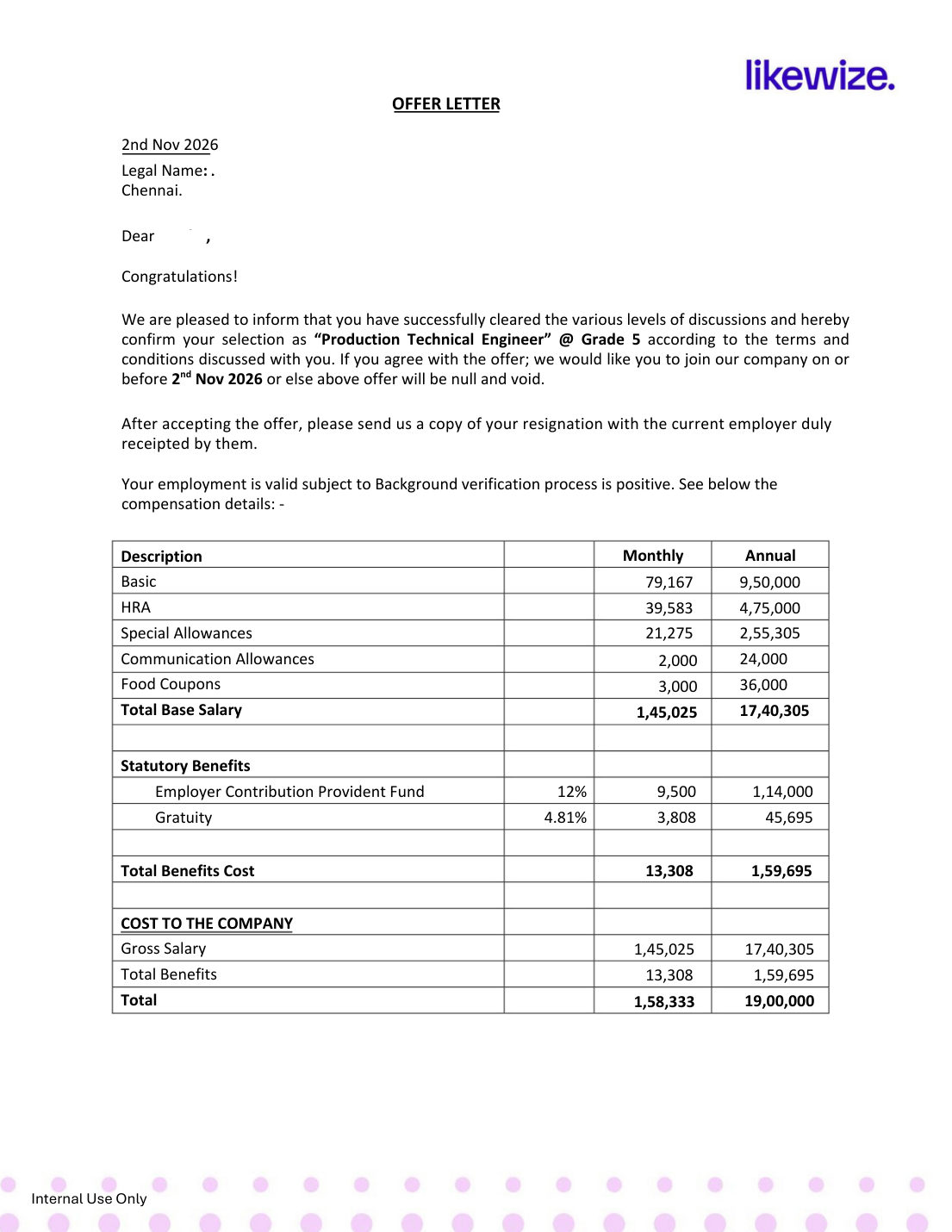
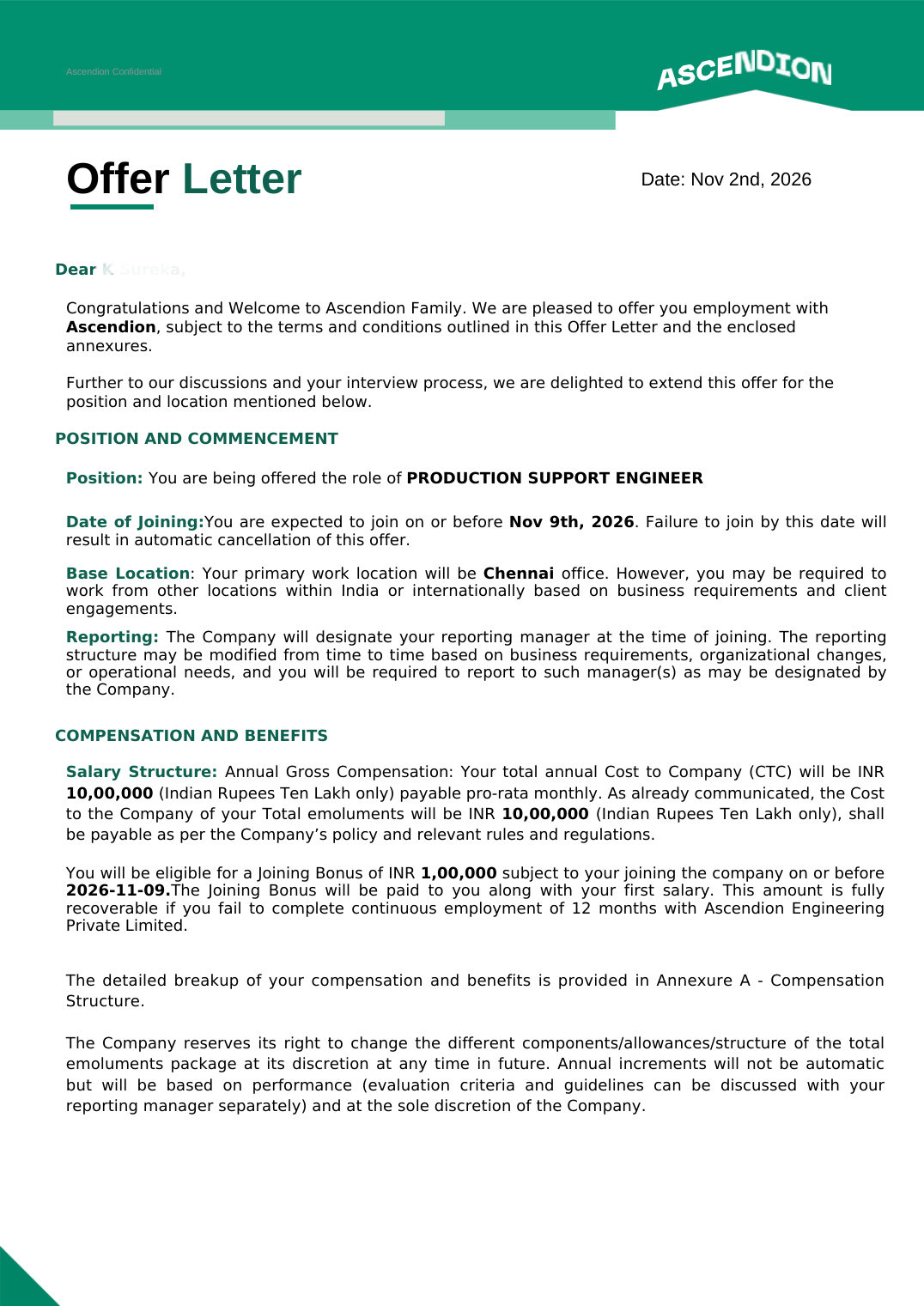
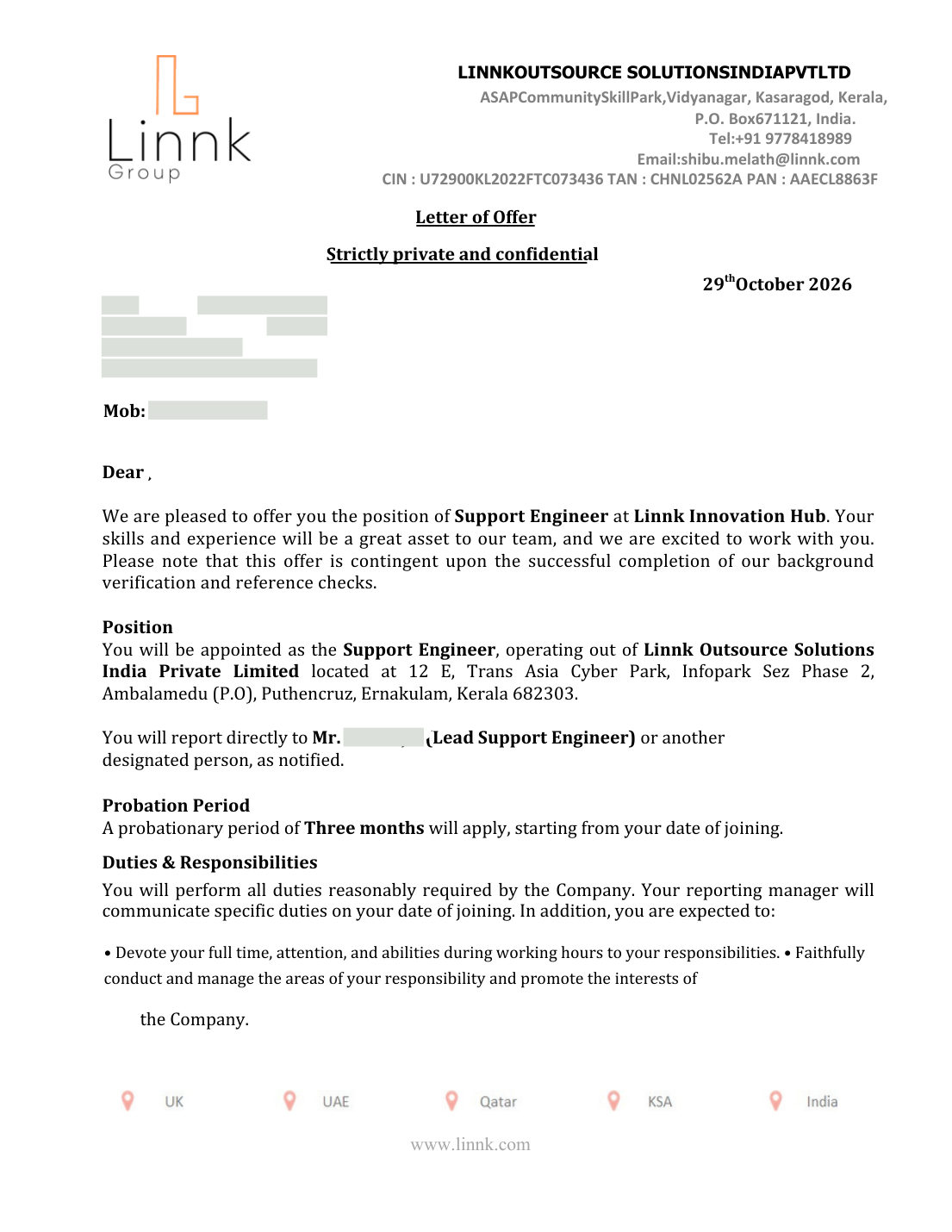
Verified offer letters from Greens Technologies Production Support students, showing the role and company each student moved into.

01 / 03
Select a Student Story

Get Industry Recognized Certification

Talk to our counsellor about the course completion certificate available for the Production Support course, and how it can showcase your hands-on skills in SQL, Jira ticketing, cloud basics and Windows and Linux troubleshooting, backed by a real ticket simulation.

Benefits of Production Support Certification

  • To demonstrate practical skills in SQL, ticket handling and system troubleshooting,
  • To add weightage to your professional resume & LinkedIn profile,
  • To prepare for entry-level cloud and Linux certifications,
  • To stand out in support interviews with real troubleshooting experience.
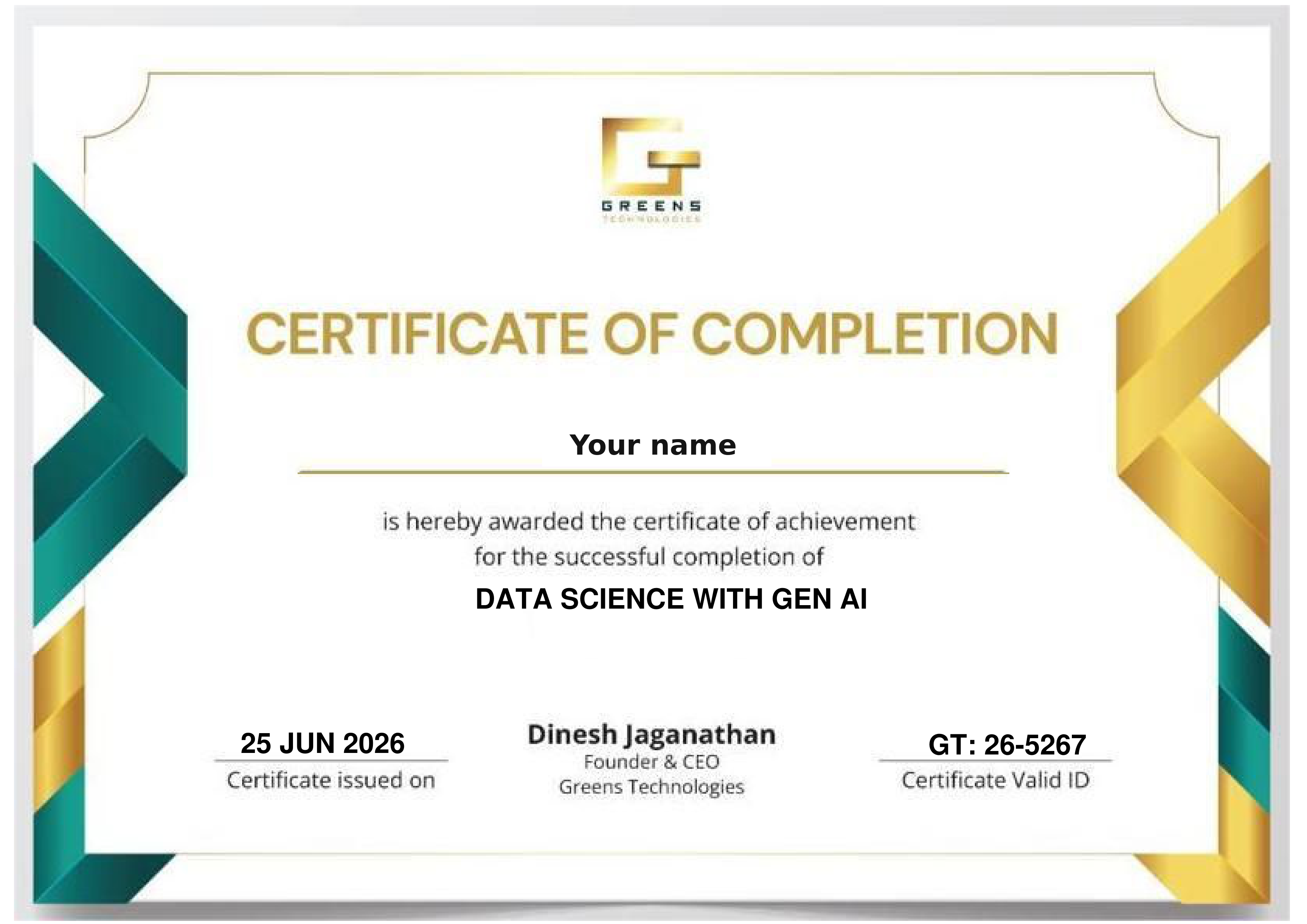
Sample Greens Technologies certificate of completion

Optional Certification & Learning Pathways

Optional external learning and exam options students can pursue alongside the course. External providers set their own requirements and fees.

Ask our counsellor about the course completion certificate available for this course, covering SQL, Jira, cloud basics, Windows and Linux troubleshooting and the ticket simulation.

An optional entry-level AWS exam on cloud concepts, security and storage, a good next step after the cloud basics module.

An optional entry-level Microsoft exam on cloud concepts and Azure services, useful for support roles in Microsoft environments.

An optional hands-on Linux exam, a natural next step after the Linux basic commands module.

Course Curriculum 2026 - SQL to Support, Week by Week.

Taken from the official Greens Technologies Production Support Programme syllabus: 2 months, about 3 classes a week, 8 modules from SQL basics to a real support ticket simulation. Week counts are approximate pacing guides and may vary a little between batches.

Everything a support engineer needs to query, fix and tune data.

  • Database, table, row and column; SQL types: DDL, DML, DQL, DCL, TCL
  • Data types: INT, VARCHAR, DATE, DECIMAL, BOOLEAN
  • CREATE, ALTER, DROP, TRUNCATE
  • Constraints: PRIMARY KEY, FOREIGN KEY, UNIQUE, NOT NULL, DEFAULT, CHECK
  • SELECT and WHERE (=, >, <, AND, OR, NOT, IN, BETWEEN, LIKE, IS NULL)
  • ORDER BY, LIMIT, DISTINCT and aliases (AS)
  • INSERT, UPDATE, DELETE
  • COUNT, SUM, AVG, MIN, MAX; GROUP BY and HAVING
  • String functions: CONCAT, SUBSTRING, UPPER, LOWER, TRIM, LENGTH
  • Date functions: NOW, DATEDIFF, DATE_FORMAT, EXTRACT
  • Number functions: ROUND, CEIL, FLOOR, ABS
  • NULL handling: COALESCE, IFNULL; CASE WHEN
  • INNER, LEFT, RIGHT, FULL, SELF and CROSS JOIN
  • UNION, UNION ALL, INTERSECT, EXCEPT / MINUS
  • Subqueries in WHERE, FROM and SELECT; correlated subqueries
  • EXISTS and NOT EXISTS
  • CTE (WITH) and recursive CTE
  • ROW_NUMBER, RANK, DENSE_RANK; LAG, LEAD; NTILE
  • Running totals (SUM OVER); PARTITION BY, ORDER BY
  • Views; clustered, non-clustered and composite indexes
  • EXPLAIN / execution plans
  • Stored procedures, user-defined functions and triggers
  • Transactions: COMMIT, ROLLBACK, SAVEPOINT; ACID, isolation levels, locks and deadlocks
  • Normalization (1NF–3NF, BCNF) and denormalization
  • ER diagrams; star and snowflake schema; fact and dimension tables
  • Query optimization techniques and indexing strategy
  • Partitioning and avoiding common slow-query mistakes
  • ETL / ELT basics; warehouse tools such as Amazon Redshift
  • Security: roles, GRANT, REVOKE; backup and restore; PIVOT / UNPIVOT; JSON in SQL

The day-to-day skills of a production support engineer, all lab-based.

  • Jira: tickets, priority, status and workflow; how support teams work on issues
  • Create and connect to a cloud server
  • Access control and securing cloud resources
  • Cloud storage basics and how to use it
  • Windows commands to find system and user details
  • Windows commands to diagnose network connectivity issues
  • Slow PC and hanging applications: find and fix performance problems
  • User accounts: forgotten passwords and creating new users
  • Printer not working: step-by-step fault checks
  • Windows repair: corrupted files and random errors
  • Mini ticket simulation: handle a support ticket end to end
  • Hardware inventory: list and document system hardware
  • Drivers and devices: check, update and fix
  • Windows updates: manage and troubleshoot
  • Disk and storage: check disk health and free up space
  • Navigation and files: pwd, ls, cd, mkdir, touch, cp, mv, rm
  • Identify the server and user: uname -a, whoami, hostname
  • Viewing and searching: cat, less, head, tail -f, grep and find
  • Permissions and users: ls -l, chmod, chown, sudo, useradd
  • Processes and resources: ps, top, kill, df -h, du -sh, free -m
  • Network and logs: ping, ip a, ss / netstat, curl, ssh, /var/log, journalctl, systemctl status

Practise Real Support Work

Every week is lab-based. These hands-on exercises come straight from the syllabus and mirror what support teams handle every day.

Capstone 01

Mini Ticket Simulation

Platform: Jira, SQL, Windows & Linux

Handle a support ticket from report to resolution, just like a real support shift: log it in Jira, investigate, fix and document.

Jira Incident Handling RCA
Lab 02

Find & Fix Slow Queries

Platform: SQL

Use EXPLAIN plans, indexing strategy and query rewrites to speed up slow SQL, and fix data issues safely with transactions.

SQL Indexes Transactions
Lab 03

Windows Troubleshooting Clinic

Platform: Windows

Diagnose network problems, slow PCs, printer faults, update failures and disk errors with Windows commands and tools.

Network Printers Updates
Lab 04

Linux Server Investigation

Platform: Linux

Trace an issue on a Linux server using logs, processes, disk and memory checks, and network commands.

journalctl grep systemctl

Your portfolio tells the story: In support interviews, walk through how you investigated and resolved tickets: the SQL you ran, the logs you checked and how you documented the fix. Real troubleshooting stories set you apart.

READY TO START? ENROLL TODAY

Reserve your seat in our classroom batches in Chennai, Bengaluru, Coimbatore, Trichy and Salem, or join a live online batch.

Flexible 1-on-1 batches, a portfolio project at the end of the course, and the chance to talk directly to our trainer.

Call +91 8939915577 Call +91 8939915572

Upcoming Production Support Training Batches

New batch every Monday & Friday Classroom & Online Live Tamil & English Instruction
Early Morning Slot
6:00 AM - 7:30 AM
Classroom & Online Live
Morning Slot
8:00 AM - 9:30 AM
Classroom & Online Live
Late Morning Slot
11:00 AM - 12:30 PM
Classroom & Online Live
Afternoon Slot
2:00 PM – 3:30 PM
Classroom & Online Live
Evening Slot (Popular for Working Pros)
7:00 PM - 8:30 PM
Classroom & Online Live

4 Distinct Training Delivery Modes

Choose the learning structure that matches your current schedule, location, and career goals.

Online Live Training

Live instructor-led, India & abroad

Classroom Training

Hands-on labs at 25 branches

1-on-1 Fast Track

Custom pace & scope

Corporate Training

Custom enterprise batches

Who Should Take This Production Support Course?

For freshers, career switchers and IT professionals who want to start or grow a career in production support, application support or service desk roles.

Course Prerequisites: None Required

Basic computer knowledge is enough to start. The course begins with SQL basics and builds up to Jira, cloud, Windows and Linux support skills step by step.

SQL from Day 1 Lab-Based Every Week Live Mentor Guidance

Freshers & College Students

Non-IT Professionals

Career Switchers

Service Desk & IT Support Staff

Manual Testers

System Administrators

Professionals Returning to IT

Professionals Upskilling to App Support

Placement Support - Learn. Prepare. Get Placed.

Practical training, project preparation and career services in one course. Our dedicated placement cell bridges the gap between your training and your first Production Support role.

Placements Guaranteed Build your skills and prepare for the next step with Greens Technologies

Resume Preparation

Mock Interviews

Job-Ready Profiles

Interview Coordination

Our Students Work at Global Tech Leaders

Greens Technologies graduates are hired across top product companies and multinational IT consultancies.

Zoho
Freshworks
Amazon
Microsoft
Google
Swiggy
Flipkart
Paytm
TCS
Infosys
Wipro
Cognizant
HCLTech
Accenture
Capgemini
LTIMindtree
500+ Active Hiring Partners
100% Placement Support
₹10 - ₹70+ LPA Salary Packages
1,00,000+ Careers Launched

Production Support Top Interview Questions & Answers

Practise the interview questions production support roles ask on SQL, joins, indexes, transactions, Jira workflows, incident handling, and Windows and Linux troubleshooting, so you can walk into technical rounds with confidence.

Where Production Support Creates Business Value

Every company that runs software needs people to keep it running. Our training focuses on the support work Chennai and pan-India employers hire for:

Faster Incident Resolution

Investigate and fix issues quickly using SQL, logs and system checks.

Structured Ticket Handling

Work tickets through Jira with clear priority, status and documentation.

Data Fixes Done Safely

Correct production data with transactions and tested queries.

Healthy End-User Systems

Keep Windows PCs, printers, drivers and updates running smoothly.

Reliable Linux Servers

Check processes, disk, memory, network and logs on Linux servers.

Cloud Basics for Support

Create servers and manage security and storage in the cloud.

Course FAQs

Everything you need to know about the Production Support programme, certification, placements and how we handle your data.

Production support engineers keep business applications running. They monitor systems, handle tickets, investigate issues with SQL and logs, fix data problems, and solve user, network and system problems on Windows and Linux.

SQL from basics to joins, CTEs, window functions, indexes, transactions and query performance; Jira ticketing; cloud server, security and storage basics; Windows troubleshooting for network, slow PC, user account, printer, update and disk issues; Linux basic commands; and a mini ticket simulation.

About 2 months (around 8 weeks), with about 3 classes per week, roughly 24 sessions. The exact pace may vary a little between batches.

No. The course starts with SQL basics, and basic computer knowledge is enough to begin. It suits freshers, career switchers and non-IT professionals.

Production Support, Application Support, Technical Support and Service Desk roles.

Talk to our counsellor about the course completion certificate available for this course. Students can also pursue optional external certifications such as AWS Certified Cloud Practitioner, Microsoft Azure Fundamentals (AZ-900) and Red Hat RHCSA. External providers set their own requirements and fees.

Greens Technologies provides placement support connecting your training to opportunities across its 500+ hiring partner network, including resume building, mock interviews and technical interview preparation.

Yes. Book a free demo class or a 15-minute 1-on-1 counselling session with our trainer to discuss your background, the syllabus and your career roadmap before you enrol.

25 Greens Technologies Branches in Chennai, Bengaluru, Coimbatore, Salem and Trichy

Visit your nearest branch for walk-in counseling, lab tours, and live classroom batches. Also present in Salem, Trichy, Bengaluru and Coimbatore. Online live batches serve learners across all of India.

11 First Street, Padmanabha Nagar
Adyar, Chennai - 600020
19, Balamurugan Garden, Rajiv Gandhi Salai
Thoraipakkam, Chennai - 600097

Landmark: Opp. to Geetham Restaurant

No. 1, Appa Rao Colony
Tambaram Sanatorium, Chennai - 600047

Landmark: Opp. Sri Rama Anjaneyar Temple, near HP Petrol Bunk

No. 12, Rajiv Gandhi Salai (OMR), Egattur Village
Navalur (just before Navalur Tollgate), Chennai - 600035
149, 1C/1D, 1st Floor, Opp. to DLF IT Park
Ramapuram, Chennai - 600089
1st Floor, Plot No. 19 & 20, American Advent Christian Layout
Sholinganallur to Medavakkam Main Road, Perumbakkam, Chennai - 600100

Landmark: Next to OMR Food Street

Ground Floor, New No. W125, Old No. W42, 3rd Avenue, W Block
Anna Nagar, Chennai - 600040

Landmark: Near Parambriym Hotel, opp. HP Petrol Bunk

No. 05, Bakthavachalam Street
West Tambaram, Chennai - 600045
51-A, 2nd Floor, Velachery Road, Dhadeswaram Nagar
Velachery, Chennai - 600042
79, 100 Feet Road, Thiru Nagar Colony, NGO Colony
Vadapalani, Chennai - 600026
New No. 398, Old No. 577, CTH Road, Avadi Checkpost
Avadi, Chennai - 600054
No. 01, Adithi Colony, Mugalivakkam Main Road
Mugalivakkam, Porur, Chennai - 600116
162, Second Floor, Anna Salai, Express Estate
Triplicane, Chennai - 600002
No. 7, 2nd Floor, Perambur Paper Mills Road
Kolathur, Chennai - 600099

Landmark: Near Everwin Vidhyasram School, above Axis Bank

160, North Usman Road
T. Nagar, Chennai - 600017
3rd Floor, No. 27/A, North Park Street, Secretariat Colony, Venkatapuram
Ambattur, Chennai - 600053
162, Grand Southern Trunk Road, near Guduvancheri Railway Station
Nandivaram, Guduvancheri - 603202
75/E-3, Sri Krishna Enclave, 2nd Floor, Salai Road
Thillai Nagar, Tiruchirappalli - 620018
2nd Floor, Sri Sai Kamatchi Complex, Vincent
Salem - 636007

Landmark: Opp. to Government Arts College

No. 280 K, Saranya Complex, Velachery Road, Shanthi Nagar
New Kunagkurichi, Gowriwakkam, Sembakkam, Chennai - 600073
No. 1050, 2nd Floor, Tiruvottiyur High Road, Thangal
Near Kaladipet, Rajakadai Metro, Chennai - 600019

Landmark: Above KFC

Om Sakthi Plaza, First Floor, Old No. 1, New No. 126, Avadi Road
Karayanchavadi, Poonamallee, Chennai - 600056

Your Dream Job in Production Support Starts with the Right Training.

Get the skills, practical experience and interview preparation you need to pursue better job opportunities. Start your training with Greens Technologies and benefit from dedicated placement assistance along the way.

Call Advisor
Thank you! Our career counsellor will contact you shortly.